

File explorer
2 min read
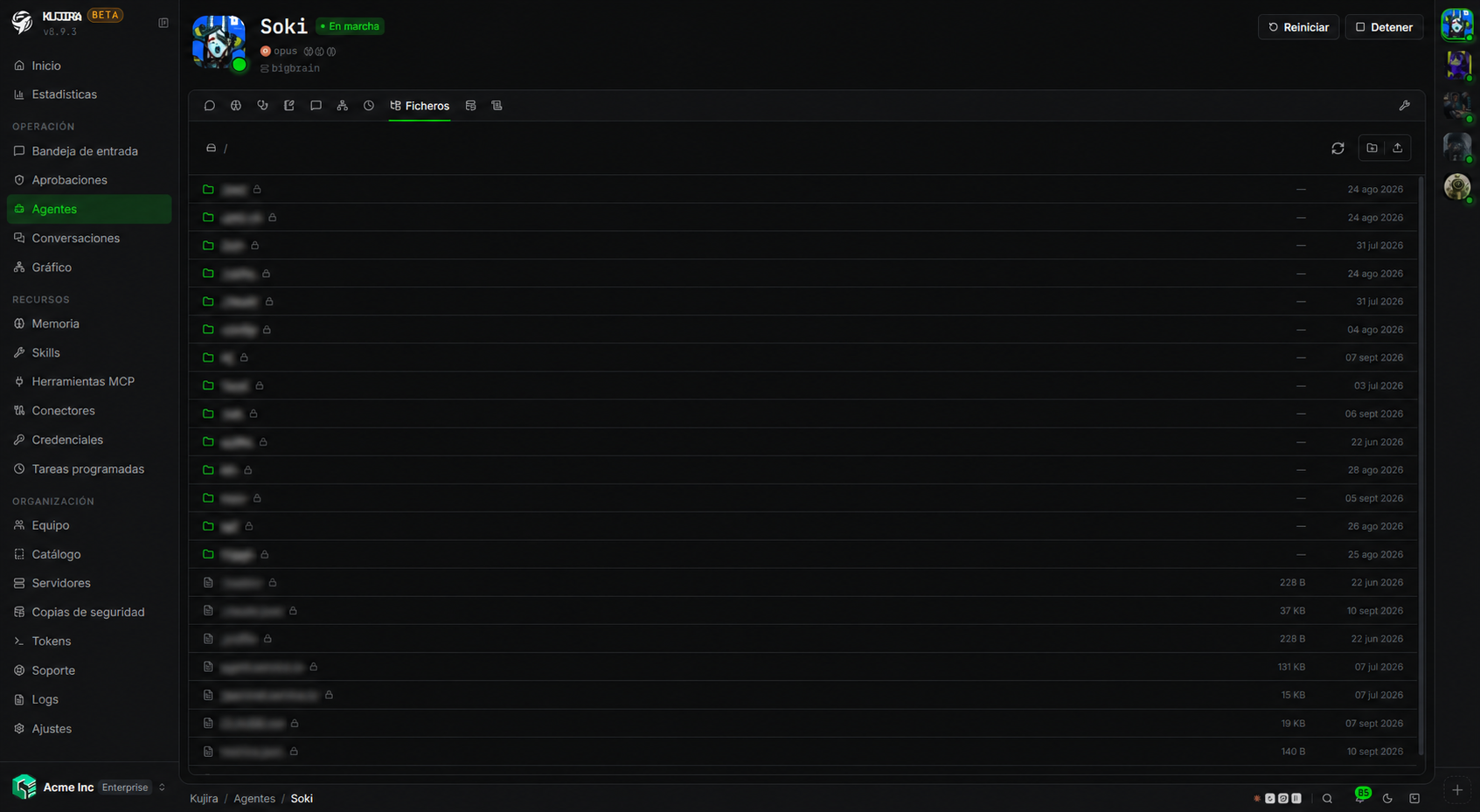
Each agent's Files tab lets you view its workspace without opening a server session. Review generated material, provide work files, or download results.
| Action | What it allows |
|---|---|
| Browse and download | Explore folders and download an agent file. |
| Upload files | Add documentation, data, or resources the agent needs. |
| Create folders | Organize material uploaded from the dashboard. |
| Delete | Remove files and folders created or uploaded from the dashboard. |
Files live in the agent's persistent work volume. They can remain after a container restart, but are not an independent backup.
Protected files
Files created by the agent or included in its image are marked protected. You cannot delete them from the explorer, avoiding accidental deletion of instructions, transcripts, or resources it needs.
Provide context to the agent
Upload a file when the agent needs to work on a document, data set, specification, or reference material. Organize files into clearly named folders and tell the agent where to find them in its instructions or your message.
For knowledge that must be maintained and evolve over time, use Memories or Skills. The explorer is for work files, not a replacement for those settings.
Security and permissions
Volume content can include work results, transcripts, memories, and other sensitive data. Seeing or chatting with an agent does not automatically grant access to its files.
You need both file permission and Manage access to that agent.
| Action | Permission |
|---|---|
| View, browse, and download | agent.file.view |
| Upload, create folders, or delete | agent.file.edit |
Protect content during infrastructure incidents
The explorer works on agent storage. Configure Backups if you need to recover it after replacing or losing a server.